
Never retype a figure from your tape again.
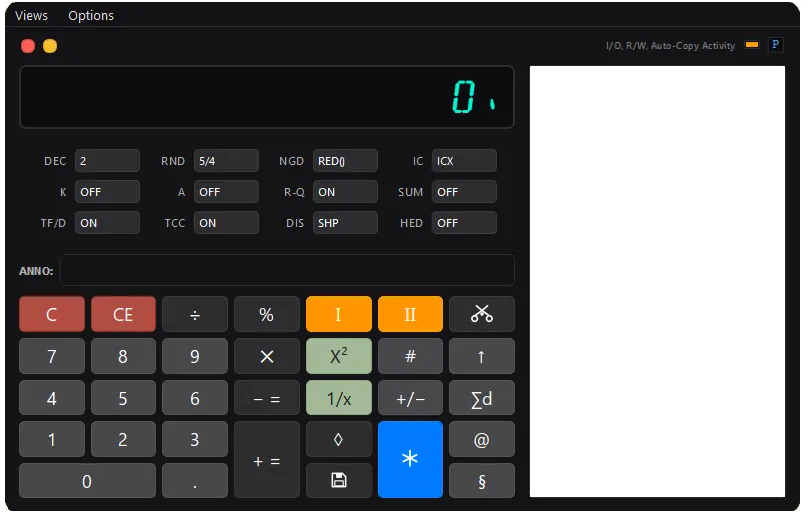
The software adding machine that can send every total straight to your clipboard — and accepts clipboard input just as fast.
One keystroke or click, no Ctrl+C. Built by a tax pro who got tired of retyping numbers.
THE software adding machine solution. Period.

SPEED UP YOUR WORKFLOW
No Ctrl+C, ever. Numbers calculated rarely need to just stay on your calculator — so various quick export options send them onto the clipboard for wherever they're headed, with one keystroke, or a click, or completely automatically. Choose the full equation for your workpapers, or just the total figure. If you see a figure on the tape, you can move it.*
Fully remappable controls let you bring your own keyboard and layout, fit to your hands. A natural fit if you already use an ergonomic keyboard or input setup!
*May exclude IC lines.
Built by a tax pro, not a software company.
TapeCalc Pro was made by someone who lived the tax workpaper grind and knows bookkeeping— every feature exists because the numbers needed to get out of the calculator and into the work, fast.
EXPERIENCE THE BEST SOFTWARE ADDING MACHINE

Auto-Copy
Auto-Copy places each calculated non-zero total onto your clipboard the instant you press Total, so you can paste figures straight into spreadsheets or tax software without ever retyping.
One-Click clipboard numerical entry
Paste any number straight from your clipboard into the calculator with one right-click— choose paste-plus to enter it as an addition or paste-minus to enter it as a subtraction, no manual keying required to bring selectable figures in.
Quickly move to Spreadsheet
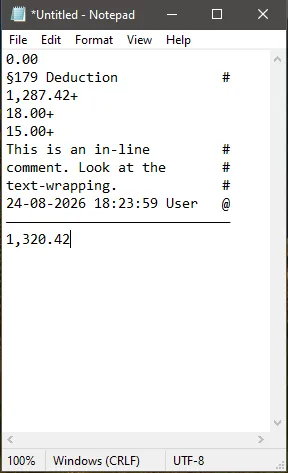
If you want to move your list to a spreadsheet, just right-click to copy your list and paste it in — as a row or column, with either a live total formula or a plain numerical total.
Multiple number formats
Multiple regional number formats — Western (1,234.56), European (1.234,56, 1 234.56, 1'234.56), Indian lakh/crore (1,23,456.78), and East Asian myriad grouping (1,2345.67) — matching your locale or your client's conventions.
Key Remapping
Remap the calculator's buttons and functions — put any function on whatever key suits you, including one-tap exports that fire straight to your clipboard with no dialogs interrupting your flow.
Quick Save
Quick Save stores your entire tape in one tap, exporting to PDF, plain text, or markdown, to a pre-set directory—with even an option to name the file by your last non-zero total—with no dialogs in your way.
Your numpad was literally made for this.
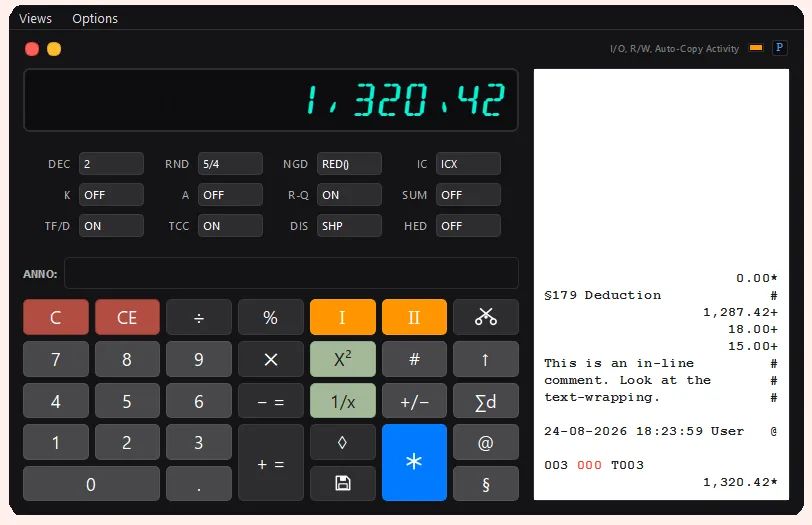
Annotate as you go.
Add a note to any line with a single keystroke — then copy the whole tape, annotations and all, as clean plain text.
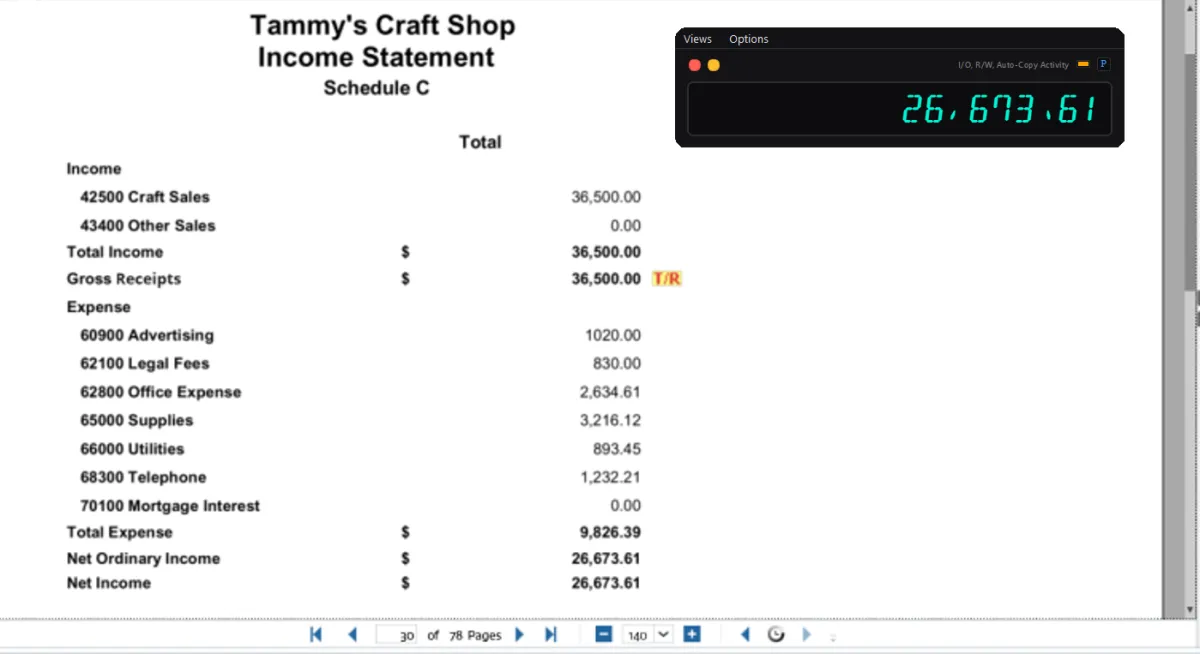
Need just the screen?
Multiple view options allow for optimizing your workspace.
Basic Instructions:
Right-click the Total button (*) to open the Remapping menu.
I recommend mapping 'Total' to Right Arrow. Then you have a thumb-press 'Total' key on an extended keyboard.
Right-click the '@' (Date Stamp/Header) Button to open additional tape and formatting options.
Right-click the Floppy Disk 'Save' button for saving/export configuration.
Click and hold the Tax buttons to set tax rates. Left and Right click adds or subtracts tax.
The default key for the annotation box is the Shift Key.
This moves focus to the comment box from standard numeric entry.
To send annotation to tape, press '+=' or '#.' This escapes comment entry and resumes normal operation.
Currently working on a video demonstration. Will post soon!
Free 14 Day Trial
Enjoying the free trial?
Unlock a seat for a year @ $20/ea.
NOTE: Windows may show a SmartScreen warning — click 'More info' then 'Run anyway.' This is normal for new independent software.
Tailored solutions.
Contact:
(Issues, feature requests, etc.)
[email protected]
© 2026 Morgan Vicedomini. All rights reserved.
日本のお客様はこちら